

Types of Stock Market Orders Explained: A Beginner’s Guide for Indian Investors
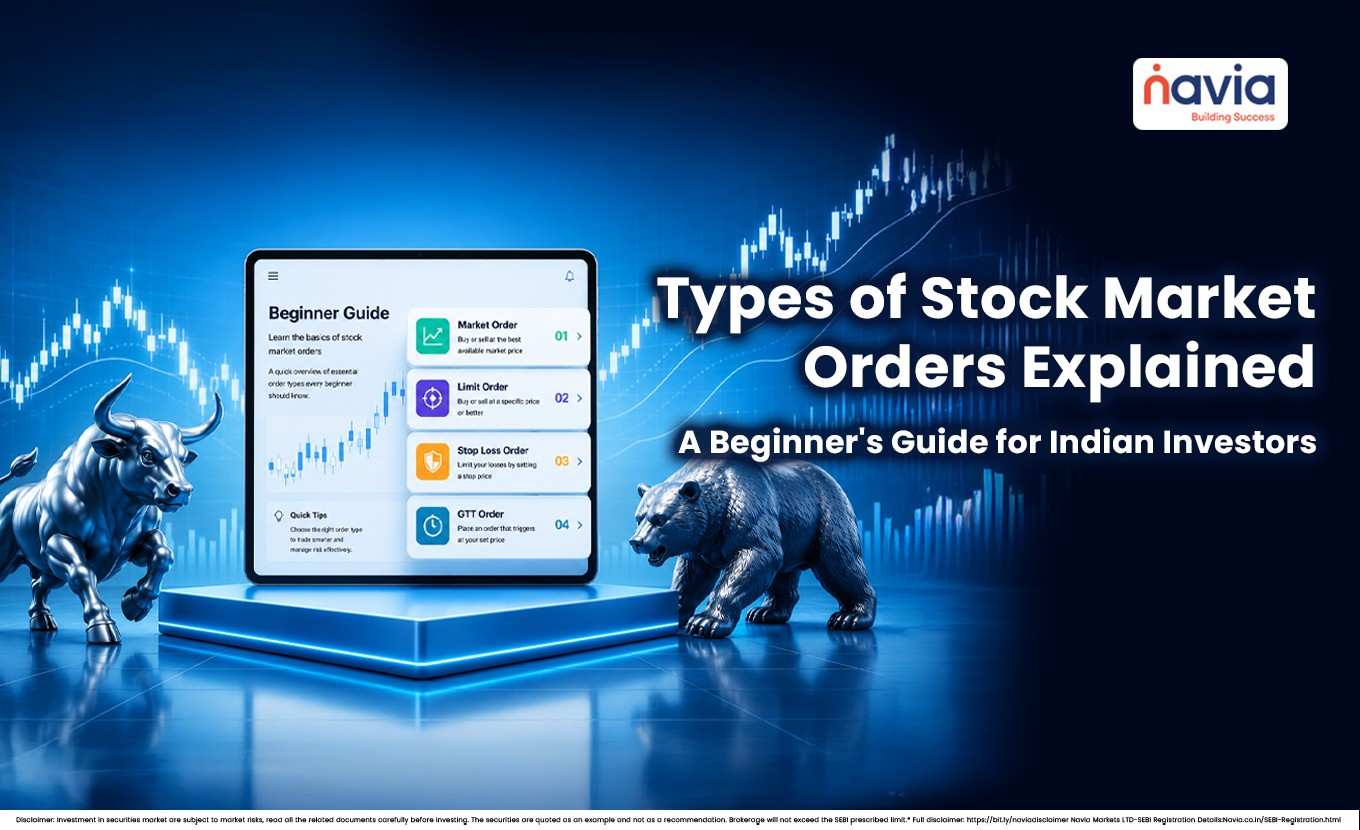
Many new investors lose money not because they picked the wrong stock, but because they placed the wrong type of order. A stock market order is simply the instruction you give your broker or trading app on how to buy or sell a share — and choosing the right one can be the difference between getting a good price and getting a nasty surprise.
In this blog, we break down every major stock order type — market orders, limit orders, stop-loss orders, stop-limit orders, trailing stops, and the India-specific order types like GTT, AMO, bracket orders, cover orders, and iceberg orders — with simple, India-specific examples so you can place your next trade with confidence.
💡 Quick Answer
A stock market order is the instruction you give your broker on how to buy or sell — controlling how fast the trade happens and at what price. The core types are market (fast, no price control), limit (price control, no fill guarantee), stop-loss and stop-limit (risk control), trailing stop (locks in gains), plus India-specific types like GTT, AMO, bracket, cover and iceberg orders. Beginners are usually safest starting with limit orders.
What Is a Stock Market Order?
A stock market order is the instruction you send to your broker or trading app — such as the Navia All in One App — to buy or sell a stock (or ETF). Different order types let you control two things: how fast the trade happens and at what price it happens.
Think of it like online shopping:
- “Buy it now, whatever the price” → market order
- “Buy it only if the price drops to ₹X” → limit order
- “Sell automatically if the price falls too much” → stop-loss order
Understanding these order types is one of the most practical pieces of stock market basics for beginners, and it applies whether you’re trading on the NSE, the BSE, or through any broker’s app.
The Main Order Types Compared
| Order Type | Price Control | Execution Certainty | Best For |
|---|---|---|---|
| Market Order | Low | High | Entering or exiting quickly |
| Limit Order | High | Medium/Low | Buying low or selling at a target price |
| Stop-Loss Order | Medium | High (once triggered) | Limiting losses or protecting profit |
| Stop-Limit Order | High | Medium/Low | Wanting stop protection and a price floor |
| Trailing Stop Order | Medium-High | Medium | Locking in gains as a stock trends upward |
| GTT (Good Till Triggered) | High | Medium/Low (until triggered) | Long-term price targets without re-placing orders daily |
| AMO (After Market Order) | Depends on order type used | High | Placing orders outside market hours |
| Bracket Order (BO) | High | High | Automated intraday entry with profit target and stop-loss |
| Cover Order (CO) | Medium | High | Higher-leverage intraday trades with a compulsory stop-loss |
| Iceberg / Disclosed Quantity | Medium | Medium | Placing large orders without revealing full quantity to the market |
Let us take a deeper look into each order for a better understanding,
1) Market Order
What it is: An order to buy or sell immediately at the best available current price.
What’s guaranteed: Execution is almost certain — the exact price is not.
When to use it: When speed matters more than getting an exact price.
Example: You place a market buy order for 10 shares of XYZ Ltd. on the Navia All in One App. If the last traded price is ₹1,650, your order will likely execute close to that level — but it could fill slightly higher or lower depending on the buy/sell activity at that exact moment.
Pros: Fast, simple, very high chance of execution.
Cons: In fast-moving or low-liquidity (thinly traded) stocks, the price can “slip” meaning you pay more or receive less than expected.
2) Limit Order
What it is: An order to buy or sell only at a specific price or better.
What’s guaranteed: The price is controlled — execution is not.
When to use it: When you have a target entry or exit price and are willing to wait.
Examples:
- Buy limit: You want to buy ABC Ltd. only if it falls to ₹1,400 or lower. On the Navia All in One App, you place a buy limit order at ₹1,400. It executes only if the market price touches ₹1,400 or below.
- Sell limit: You hold PQR Ltd. and want to sell only once it rises to ₹4,200 or above. You place a sell limit order at ₹4,200.
Pros: You stay in control of the price and avoid overpaying or underselling. Cons: If the market never reaches your price, the order simply sits unfilled.
3) Stop-Loss Order
What it is: An order that turns into a market order the moment a specified “stop” price is hit. It’s commonly used to cap losses or protect existing gains.
What’s guaranteed: Nothing, once triggered — it behaves like a market order and fills at the next available price.
When to use it: To manage risk on a position without watching the screen all day.
Example: You bought LMN Ltd. at ₹450. To limit your downside, you place a sell stop-loss at ₹420. If the price falls to ₹420, the order triggers and sells at the next available market price.
Pros: Automatic, hands-off risk management — especially useful in volatile stocks. Cons: In a sharp overnight gap (say, after bad news), the actual execution price can be worse than your stop price.
4) Stop-Limit Order
What it is: A combination of a stop order and a limit order. When the stop price is hit, it doesn’t become a market order — it becomes a limit order instead.
When to use it: When you want downside protection but also refuse to sell below a certain price.
Example: You hold a stock at ₹500. You set a stop at ₹480 and a limit at ₹475. If the price hits ₹480, the order activates but will only execute at ₹475 or better. If the stock gaps straight down to ₹470, the order may not execute at all.
Pros: More price control than a plain stop-loss order. Cons: In a fast, gap-down move, it can fail to execute — leaving you still holding the stock.
5) Trailing Stop Order
What it is: A stop price that automatically “trails” the market price by a fixed amount or percentage. As the stock price rises, the stop price rises with it. If the stock falls, the stop stays where it is.
When to use it: When you want to stay invested in a rising trend while still protecting yourself from a sudden reversal.
Example: You buy a stock at ₹200 and set a 10% trailing stop. If the price climbs to ₹250, your stop automatically moves up to ₹225 (10% below ₹250). If the price then drops to ₹225, the order triggers and sells.
Pros: Locks in gains automatically — no need to manually adjust your stop price every day. Cons: Still exposed to execution risk during very fast, sudden price moves.
6) GTT (Good Till Triggered) Order
What it is: A stop or limit order that stays active for a much longer period than a regular order — often up to a year — instead of expiring at the end of the trading day.
When to use it: When you have a long-term price target and don’t want to log in and re-place the same order every single day.
Example: You want to buy DEF Ltd. if it ever falls to ₹2,600, but you don’t know when that might happen. On the Navia All in One App, you set up a GTT buy order at ₹2,600. The order stays active in the background — whether that’s next week or several months later — until it’s triggered, or you cancel it.
Pros: Saves time; no need to re-enter the same order daily. Cons: Since a lot of time may pass before it triggers, market conditions (and your own view on the stock) may have changed by the time it fires.
7) AMO (After Market Order)
What it is: An order placed after regular trading hours have ended. It doesn’t execute immediately — it’s queued and sent to the exchange when the market opens the next trading session.
When to use it: When you want to plan your trades in the evening or before the market opens, without needing to be online right at 9:15 AM.
Example: At 9 PM, after reviewing the day’s news, you place an AMO buy order for ABC Ltd. on the Navia All in One App. The order waits overnight and is sent to the exchange the next morning when trading begins.
Pros: Convenient for planning trades outside market hours. Cons: The price can gap up or down overnight, so your order may be executed at a very different price than what you saw the evening before.
8) Bracket Order (BO)
What it is: An intraday order that combines three things in a single order — your entry, a target price to book profit, and a stop-loss to limit loss — all placed together.
When to use it: When you’re day trading and want your profit booking and risk management to happen automatically, without watching the screen all day.
Example: You buy XYZ Ltd. at ₹1,000 intraday, and in the same order you set a target of ₹1,030 and a stop-loss of ₹985. Whichever level is hit first; the position closes automatically — you don’t have to manually place a second order.
Pros: Built-in discipline; profit and loss levels are decided in advance.
Cons: Available only for intraday trades, and once the position is squared off, it cannot be held overnight.
9) Cover Order (CO)
What it is: An intraday order type where a stop-loss is compulsory at the time of placing the trade. In exchange, brokers often allow higher leverage (the ability to trade a larger position with a smaller margin) on cover orders.
When to use it: When you want extra buying power for an intraday trade but are comfortable committing to a stop-loss upfront.
Example: You place a cover order to buy LMN Ltd. intraday, and the Navia All in One App requires you to simultaneously set a stop-loss at ₹440. If the price falls to ₹440, the position closes automatically.
Pros: Higher leverage than a regular intraday order. Cons: The compulsory stop-loss means less flexibility — you can’t remove it once the order is placed.
10) Iceberg / Disclosed Quantity Order
What it is: An order type for large quantities, where only a small portion of your total order is shown to the market at any given time. The rest stays hidden and is released gradually as each visible portion gets filled.
When to use it: When you’re placing a large order and don’t want to reveal the full size, which could otherwise move the price against you.
Example: You want to buy 10,000 shares of PQR Ltd., but placing the full quantity at once could push the price up. Using a disclosed quantity order, you set only 500 shares to be visible at a time, while the remaining 9,500 are filled in the background in batches.
Pros: Reduces the market impact of large orders. Cons: Filling the full order can take longer since only small portions are shown at a time.
11) Day Order vs. IOC (Order Validity, Not Order Type)
What it is: These aren’t order types in themselves, but validity settings that apply to the order types above. A Day order stays active only for that trading session and is automatically cancelled if unfilled by market close. An IOC (Immediate or Cancel) order must execute immediately, even partially — whatever portion isn’t filled right away is cancelled.
When to use it: Day validity suits most regular buy/sell orders. IOC suits situations where you only want a trade executed right now, with no interest in leaving any part of it pending.
Example: You place a limit buy order for DEF Ltd. with Day validity — if it doesn’t get filled by the end of the session, it’s cancelled automatically. If you’d placed the same order as IOC instead, any unfilled portion would be cancelled within seconds rather than waiting till day’s end.
Pros: Gives you control over how long an unfilled order remains active. Cons: Choosing the wrong validity can cause an order to expire before you intended, or get partially filled when you wanted it all-or-nothing.

Common Mistakes to Avoid
- Using market orders on small, illiquid stocks, prices can jump sharply on low trading volumes, leading to a poor fill.
- Setting a limit price too far from the current market price, your order may simply never execute.
- Placing stop-losses too tight in volatile stocks, you risk getting sold out on normal, everyday price swings.
- Assuming a stop-loss guarantees an exact exit price, during a price gap, the actual execution can be worse than your stop level.
- Ignoring order validity settings, most brokers let you choose between “Day” orders (valid only for that trading session) and “IOC” (Immediate or Cancel). Selecting the wrong one can cause your order to expire unexpectedly.
- Forgetting an active GTT order, since GTT orders can stay live for months, it’s easy to forget one exists, and it may trigger at a time you no longer intend to trade.
- Placing a bracket or cover order without understanding the compulsory stop-loss, these orders don’t allow you to remove the stop-loss once placed, so make sure the level is one you’re genuinely comfortable with.
Conclusion
Choosing the right stock market order type is just as important as choosing the right stock. Use a market order when speed matters more than price. Use a limit order when you have a clear target price and can wait. Use a stop-loss or trailing stop to manage risk and protect profits automatically, and consider a stop-limit order when you want downside protection plus a price floor. For long-term price targets, a GTT order saves you the effort of re-placing orders daily, while bracket and cover orders are built for disciplined intraday trading, and iceberg orders help place large trades quietly.
The best way to get comfortable with these order types is to start small — place a few trades of different types on the Navia All in One App (many platforms also offer paper or demo trading) and observe how each one behaves in real market conditions before committing larger amounts.
Key Takeaways
- Every order type trades off two things: how fast it fills (execution certainty) and how much price control you keep.
- Market orders fill fast but not at a fixed price; limit orders control price but may not fill — beginners are usually safest with limit orders.
- Stop-loss, stop-limit and trailing stops manage risk; a stop-loss becomes a market order at trigger, a stop-limit becomes a limit order.
- India-specific types — GTT, AMO, bracket, cover and iceberg — suit specific situations like long-dated targets, after-hours planning, and large or intraday trades. Planning ahead with an after-market order is a common example.
- Watch execution details like the bid-ask spread, which affects the real price you get on every trade.
Did you find this article helpful?
Your feedback helps us write better content.

Frequently Asked Questions
What is the safest order type for a beginner investor?
A limit order is generally considered safer for beginners because it gives you full control over your entry or exit price, reducing the risk of an unexpected fill in a fast-moving stock.
Can I use a stop-loss order for both buying and selling?
Yes. A sell stop-loss protects an existing long position from further loss, while a buy stop order can be used to enter a position once the price rises above a certain level (commonly used in breakout strategies).
What happens if my limit order price is never reached?
The order simply remains unexecuted (pending) until it expires based on its validity — for example, at the end of the trading day for a “Day” order — or until you cancel it manually.
Is a stop-loss order the same as a stop-limit order?
No. A stop-loss order becomes a market order once triggered, so execution is almost certain but the price is not guaranteed. A stop-limit order becomes a limit order once triggered, so the price is controlled but execution is not guaranteed.
Do market orders always execute at the last traded price?
Not exactly. A market order executes at the best available price at that moment, which can be slightly different from the last traded price, especially in volatile or low-liquidity stocks.
Can I modify or cancel an order after placing it?
Yes, in most cases you can modify or cancel a pending order as long as it hasn’t already been executed. Once a market order or a triggered stop order is filled, it cannot be reversed.
What is the difference between a GTT order and a regular limit order?
A regular limit order usually expires at the end of the trading day unless you re-place it, while a GTT order stays active for a much longer period — often up to a year — until it’s triggered or cancelled.
Can I hold a bracket order or cover order overnight?
No. Both are intraday order types and are automatically squared off before the market closes for the day; they cannot be carried forward to the next session.
DISCLAIMER: Investment in securities market are subject to market risks, read all the related documents carefully before investing. The securities quoted are exemplary and are not recommendatory. Full disclaimer: https://bit.ly/naviadisclaimer.