

Navia Trading API: Build, Connect and Automate Trades
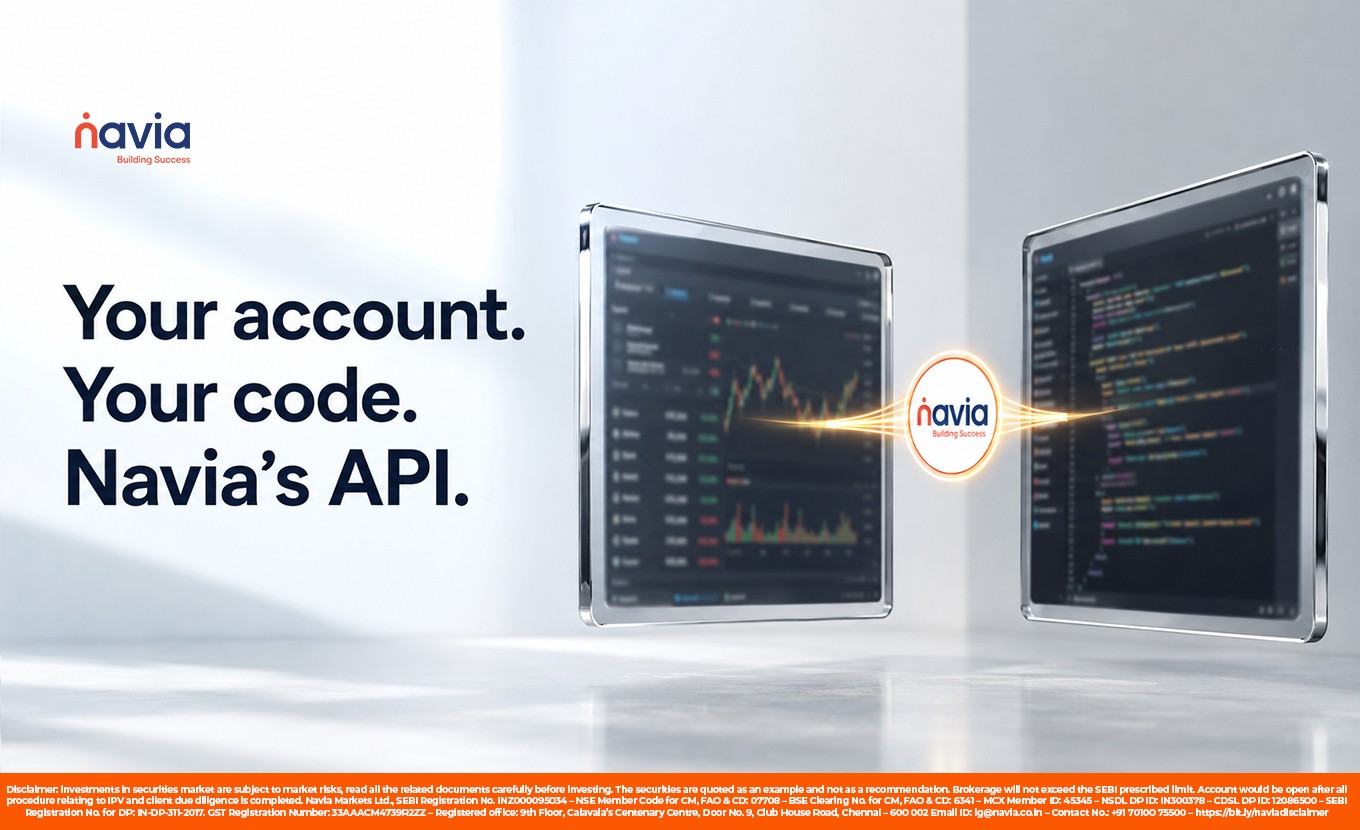
For traders and developers who want to go beyond a ready-made app, an API opens the door to custom tools, dashboards and automation built on your own account. This guide explains what Navia’s trading API does, who it is for, what it costs, and the rules that now apply to automated trading in India.
What is the Navia trading API?
An API, or application programming interface, lets one piece of software talk to another. Navia’s trading API lets your own program connect to your Navia account to place, modify and cancel orders, stream live quotes and market depth, and pull reports such as holdings, positions, orderbook and funds. It is a standard REST interface over HTTP, so you can build with almost any language, including Python, Java, Node.js, Go and Rust.
What can you build with it?
The API is a building block, not a finished product, so what you create is up to you. Common uses include automating a trading strategy and building your own portfolio, profit and loss and analytics dashboards on live Navia data. Developers also use it to power option chain and open interest analytics, to create price alert engines and trading bots, to monitor positions and margins programmatically, and to embed trading and investing into their own fintech product. These are tools for analysis and execution, and none of them changes the risk of trading itself.
What does the Navia API cost?
Navia’s API page states that the trading API is free to use, with ₹0 brokerage on the trades you place through it. Only the statutory charges that apply to any trade, such as STT, exchange transaction charges, GST, the SEBI turnover fee and stamp duty, are payable, plus a DP charge when you sell shares from demat. Brokerage will not exceed the limit prescribed by SEBI.
What it can do, and its limits
Here is what the API supports at a glance.
| Capability | Details |
|---|---|
| Order actions | Place, modify and cancel orders |
| Account data | Holdings, positions, orderbook and funds |
| Market data | Real time quotes, market depth and historical data |
| Segments | Equity, F&O and commodities |
| Order rate limit | Up to 10 orders per second |
| Daily limit | Up to 3,000 orders per day |
| Modifications | Up to 25 per individual order |
How to get API access
You need an active Navia trading account to use the API. Once your account is active, you generate your API credentials from your account, authenticate, and follow the documentation to integrate trading into your software. You can create and manage your API access on Navia’s API page.
The algo trading rules you must follow
Automated and algorithmic trading through any broker API in India is now governed by SEBI’s framework for algorithmic trading, which became mandatory for all brokers from 1 April 2026. A few points matter before you automate. Every algorithmic order must carry a unique identifier assigned by the exchange, an Algo ID, and strategies may need to be registered with the exchange through your broker before they go live. API access now requires a static IP address mapped to your API keys, authentication through OAuth, two-factor authentication, and logging out of API sessions each day. Traders placing fewer than 10 orders per second are generally treated as normal API users, while faster activity requires registering the algorithm with the exchange. The broker is treated as the principal and is responsible for the algorithms on its platform. You must follow the exchange registration and approval requirements before deploying an automated strategy. You can read more about algo trading and the SEBI rules and confirm the current process with Navia and the NSE.
A note on risk
An API and automation are tools that help you build and execute, but they do not remove the risk of the market or guarantee any outcome. Trading in F&O in particular carries substantial risk. Use sound risk controls and trade only with money you can afford to lose.
Conclusion
Navia’s trading API gives developers and active traders a free, standard REST interface to build custom tools, dashboards and automation on their own account, with ₹0 brokerage on the trades placed through it and only statutory charges to pay. If you automate, do so within SEBI’s algorithmic trading rules and the exchange requirements. To get started, open a free account on the Navia All-in-One App and generate your API access. Navia Markets is registered with SEBI (Reg. No. INZ000095034).
Did you find this article helpful?
Your feedback helps us write better content.