

How to Close a Demat Account Without Losing Shares
Quick answer
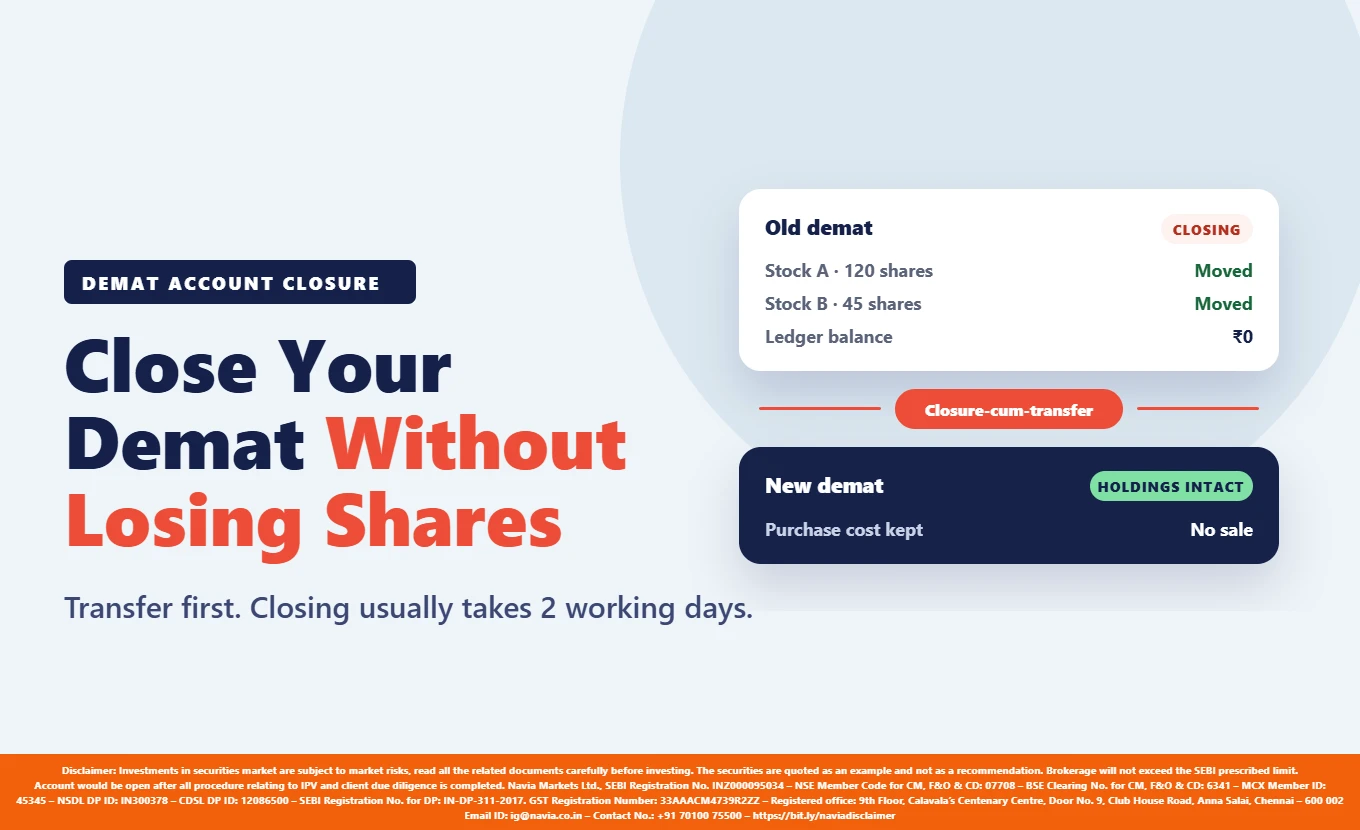
The safe way to close a demat account is to empty it without selling anything you meant to keep. No depository participant will close an account that still holds securities: the ledger balance must be zero, open positions squared off, and every holding sold or moved out first. To keep the shares, do not sell them — ask your current broker for a closure-cum-transfer, which moves the holdings to your new demat account and closes the old one in a single request.
Here is the part that costs people money. The transfer charge is levied by the broker you are leaving, not the one you are joining — typically a percentage of value subject to a minimum. A ₹2,00,000 portfolio spread across three stocks costs ₹206.50 to move online against ₹413 on a physical slip if each holding is charged separately, because two of the three holdings never reach the percentage and pay the floor instead. Shares moved between two accounts in your own name are recorded as an off-market transfer, not a sale.
Key takeaways
- An account holding shares cannot be closed. Ask for a closure-cum-transfer: one request moves the holdings and closes the account.
- The transfer charge comes from the broker you are leaving, not the one you are joining. The receiving side does not bill you.
- Charges run as a percentage of value with a per-ISIN floor, so many small holdings cost more to move than one large holding of the same value.
- A ₹2,00,000 portfolio across three stocks costs ₹206.50 online against ₹413 on paper — two of the three pay the floor, not the percentage.
- A transfer between accounts in your own name is an off-market transfer, not a sale. Confirm the tax position with your adviser.
Can you close a demat account that still holds shares?
No — and that is a depository requirement, not one broker’s preference.
A participant accepts a closure request only once the ledger balance is zero, all open positions are squared off and every holding has been sold or transferred out.
The word “sold” is where people lose money. Selling a long-held portfolio purely to close an account realises gains that would otherwise have stayed unrealised, and puts you back in at a new price. Transferring the shares keeps the holding and its purchase cost intact.

What is the step-by-step process to close a demat account safely?
Closing safely means the account ends up empty without you having sold anything you meant to keep.
The step by step process runs to eight.
- Check what the account holds. Pull a holding statement and list every ISIN, open position and the ledger balance.
- Square off open positions. No participant accepts a closure request while positions are open.
- Bring the ledger balance to zero. Withdraw whatever is left, or clear a negative balance.
- Decide where the shares go — do not sell them. Selling to empty the account realises gains you did not intend and resets your entry price.
- Open the destination account and get its CMR copy. You need the receiving participant’s Client Master Report, sealed and signed or digitally signed.
- Raise a closure-cum-transfer rather than two separate requests. One instruction moves the holdings and closes the account, removing a step where details get mistyped.
- Verify the destination before you approve the OTP. Check the stock name, quantity, receiving DP ID and Client ID. The OTP must be used the same day or the instruction lapses.
- Clear any outstanding dues. A request will not go through while money is owed, and each participant sets its own window to settle it — Navia allows 30 calendar days. Check your own broker’s deadline.
Settle step 5 first, because nothing else can start until the destination exists. A Navia demat account opens online with ₹0 to open and ₹0 annual maintenance for life, and its Client Master Report is in the dashboard as soon as the account is live — the one document your current broker will ask for.
Open the destination first. ₹0 to open, ₹0 annual maintenance for life, and the CMR copy ready in your dashboard before you raise the closure request.
What is a closure-cum-transfer?
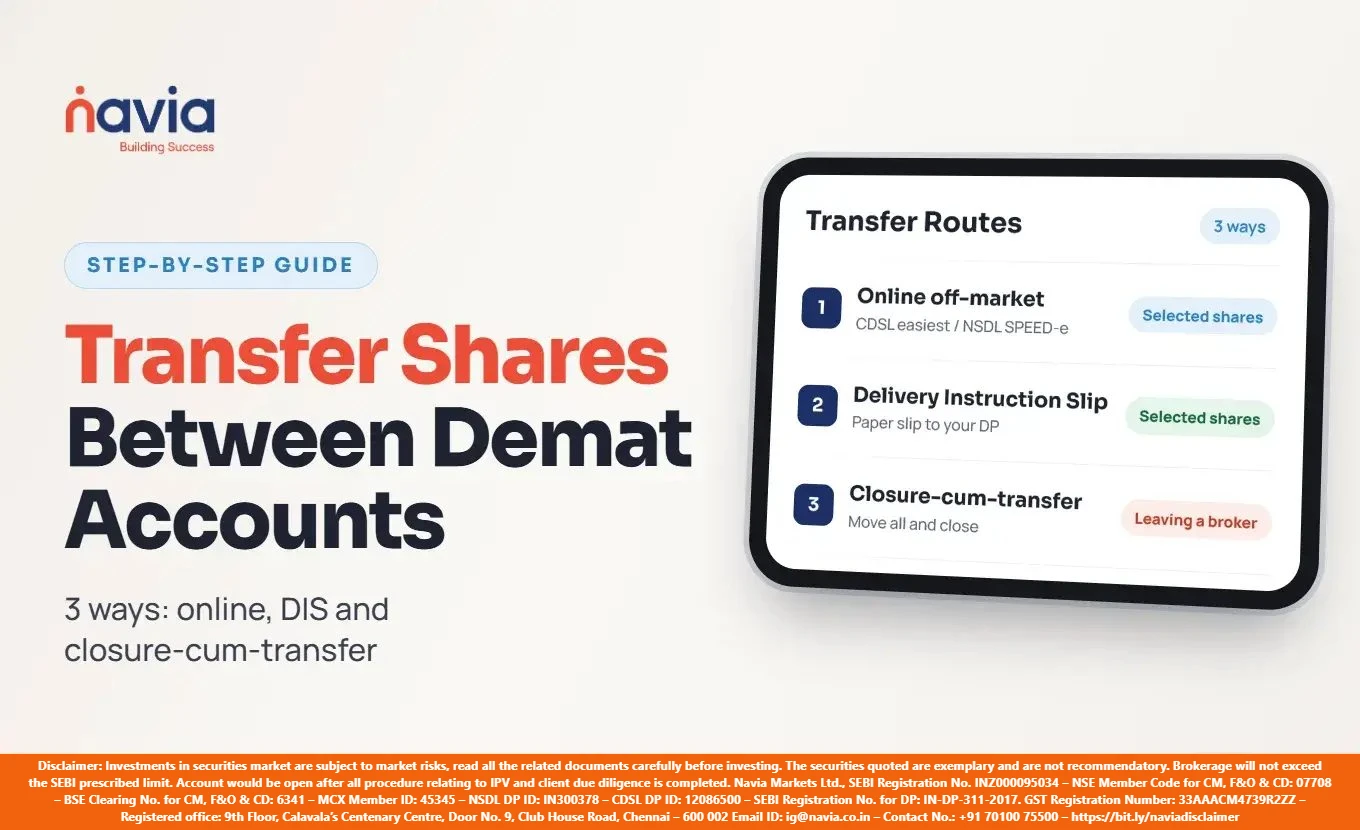
A closure-cum-transfer is a single instruction that moves every eligible holding to another demat account and closes the old one at the same time.
You raise it with the broker you are leaving, submitting their closure form together with the Client Master Report of the destination account.
NSDL’s guidelines waive the Client Master Report where the transfer stays inside NSDL and the participant can verify the destination directly, with the sole holder’s name and PAN matching. Where the destination is not under your own PAN, you also submit an off-market transfer instruction slip and enter the OTP the depository sends.
For the mechanics of each transfer route, see Navia’s guide to transferring shares from one demat account to another.

Can you close a demat account online?
Often yes — but the route depends on the account, not on the broker.
NSDL’s guidelines restrict online closure to individual single-holder accounts with no pledge, freeze or pending dematerialisation balances. Where securities are still in the account, the request goes only through the participant’s own portal or app with two-factor authentication — not by email, SMS or a messaging app — and the form must be e-signed.
Joint accounts, and any account carrying a pledge or freeze marker, go through the offline route on a physical form. A closure-cum-transfer usually travels this way too, because the destination account’s Client Master Report has to go with it.
You do not have to give a reason. NSDL’s guidelines state that a client may request closure “without mandatorily giving any reasons.”
What are the charges to transfer shares from one demat to another?
The charge is levied by the participant executing the debit — the account the shares are leaving.
The receiving side does not bill you, so your current broker’s rate card is what this costs. The structure is near-universal: a percentage of transfer value, subject to a minimum. Navia publishes these rates for off-market transfers:
| Route | Charge | GST |
|---|---|---|
| Online, through NSDL SPEED-e | 0.05% of turnover or ₹50, whichever is higher | 18% |
| Physical Delivery Instruction Slip | 0.10% of turnover or ₹100, whichever is higher | 18% |
Source: Navia support, Off Market Transfer and Depository account charges, retrieved 13 November 2026. The two pages word the minimum differently — one per ISIN, the other per transaction — so confirm with your participant how a multi-stock instruction is counted before you plan around it. The example below takes the per-holding reading, which is the higher of the two.
Worked example — a ₹2,00,000 portfolio across three stocks, at the rates above:
| Holding | Value | Online: 0.05% | Charged | Physical: 0.10% | Charged |
|---|---|---|---|---|---|
| Stock A | ₹1,50,000 | ₹75 | ₹75 | ₹150 | ₹150 |
| Stock B | ₹30,000 | ₹15 | ₹50 (floor) | ₹30 | ₹100 (floor) |
| Stock C | ₹20,000 | ₹10 | ₹50 (floor) | ₹20 | ₹100 (floor) |
| Subtotal | ₹2,00,000 | ₹175 | ₹350 | ||
| With 18% GST | ₹206.50 | ₹413.00 |

Two of the three holdings never touch the percentage — they pay the floor. A portfolio spread across many small positions therefore costs more to move than a concentrated one of the same value, and going online rather than on paper roughly halves the bill.
Opening the destination account is a separate cost: at Navia, ₹0 to open with ₹0 annual maintenance for life, per its pricing page. Brokerage will not exceed the SEBI prescribed limit. For what trading costs once you have moved, use the Navia brokerage calculator.
How long does closing a demat account take?
Two working days is the working expectation for a complete closure request — the NSDL closure guidelines set no mandated deadline, so this varies by participant.
An off-market transfer out typically settles in the same window, longer where a participant adds in-person verification or an extra identity step above a value threshold.
Outstanding dues stop the clock, and the window to clear them is set by the participant, not the depository. Navia publishes 30 calendar days, after which the request is rejected. Your current broker may allow more or less, so confirm its deadline in writing.
Your old participant must then send you the Client Master Report of the closed account and a Transaction cum Holding Statement. Keep both: the statement records what the account held and when it moved, which matters when you file returns and when you need to establish a purchase cost. If a request is rejected, the participant must tell you why.
Are there charges or penalties to close an inactive demat account?
No penalty applies for closing a demat account, inactive or otherwise.
NSDL’s guidelines confirm a client may close one “without mandatorily giving any reasons.”
What an inactive account costs you is the annual maintenance charge, which keeps running whether you trade or not. An arrears bill at closure comes from that accrued AMC, not from a penalty. Check your participant’s rate card before assuming closure is urgent.
Not every account carries one. Navia charges ₹0 annual maintenance on resident individual demat accounts — its pricing page states “No annual maintenance charge, for life” — so nothing accrues on an unused account.
The one amount that genuinely blocks a closure is an outstanding due. The window to clear it is set by the participant — Navia allows 30 calendar days.
Conclusion
Closing a demat account is straightforward once it is empty; the mistake worth avoiding is emptying it the wrong way.
A closure-cum-transfer does the job without realising gains you did not intend. The sequence that works: open the new account first, pull its Client Master Report, then hand that document to the broker you are leaving.
Start with the destination. If Navia is where the shares are going, you can open a demat account online and have the CMR copy in hand before you raise the closure request.
Educational content, not investment advice. Charges are those published at the time of writing; check your own participant’s current rate card before you raise a closure request.
Did you find this article helpful?
Your feedback helps us write better content.

Frequently Asked Questions
Can I close a demat account with shares in it?
Not directly. Every holding must be sold or transferred out, the ledger balance brought to zero and all open positions squared off first. To keep the shares, ask for a closure-cum-transfer, which moves the holdings to another demat account and closes the old one in one request.
How do I close a demat account online?
Through your current participant’s own portal or app with two-factor authentication, e-signing the closure form. NSDL’s guidelines restrict the online route to individual single-holder accounts with no pledge, freeze or pending dematerialisation balances. Joint and flagged accounts go through the offline form.
Is there a charge to close a demat account?
Closure itself carries no fee and no penalty, including on an inactive account. What costs money is moving the shares out first, and that charge comes from the broker you are leaving — typically a percentage of value subject to a minimum, plus 18% GST.
Do I pay tax when I transfer shares to another demat account?
A transfer between two demat accounts held in the same name is recorded as an off-market transfer rather than a market sale, and no consideration passes between the parties. Navia is not a tax adviser, the Income-tax Act 2025 renumbered the relevant provisions, and the treatment turns on facts specific to you — confirm the position with a qualified professional before filing.
What is a CMR copy, and why does closure need one?
A CMR copy is the Client Master Report — a statement from a depository participant confirming the holder’s name, PAN and account details, also called a Client Master List. A closure-cum-transfer needs the destination account’s CMR copy so the receiving account can be verified before any holding moves.
How long does a demat account closure take?
Two working days is the working expectation for a complete request, though the depository sets no mandated deadline and participants differ. Where dues are outstanding, the window to clear them is set by the participant — Navia allows 30 calendar days.