

Zero Brokerage Demat Account: What to Check Before Opening One?
Navia All in One App charges ₹0 brokerage on equity delivery trades and flat, capped fees on intraday and F&O — but “Zero brokerage” is a term that can be interpreted differently across brokerage platforms in Indian trading app marketing, since many apps only waive fees on one segment while charging elsewhere. If you’re comparing zero brokerage trading apps in India or looking for a trading app with transparent brokerage across different trading segments, the real question isn’t which app claims zero brokerage — it’s which charges disappear on paper and which ones show up later as account maintenance fees, platform fees, or F&O charges. This also applies if you’re opening a fresh zero brokerage demat account: the account and the trading app usually come bundled together, so the same scrutiny applies to both.
Here are some important factors to consider before choosing one.
💡 Quick Answer
“Zero brokerage” rarely means zero total cost. On the Navia All in One App, equity delivery is ₹0 brokerage, with flat, capped charges on intraday and F&O; statutory levies (STT, GST, stamp duty, exchange fees) still apply on every app by law. Before opening a zero-brokerage demat account, check the fine print segment by segment using the 7-point checklist below.
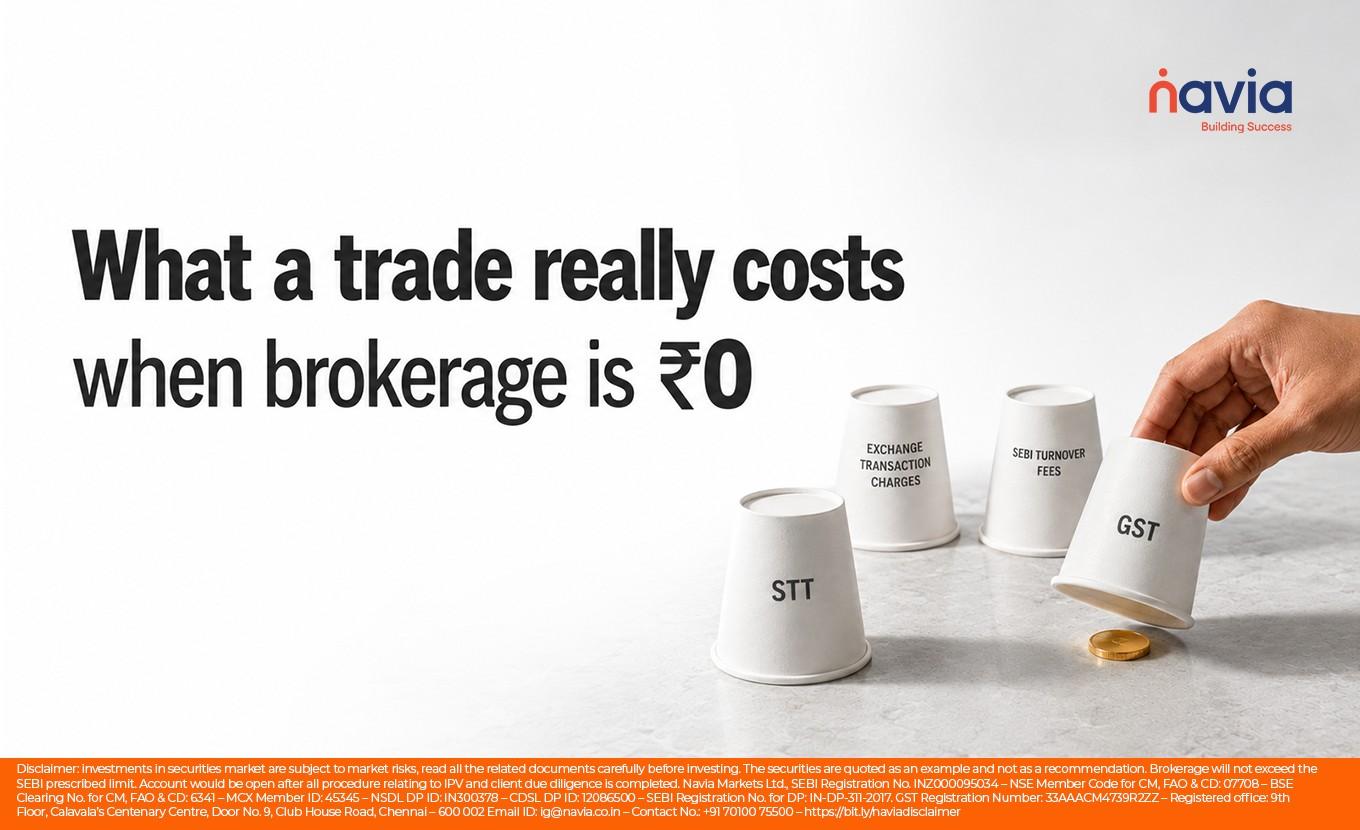
Why “Zero Brokerage” Doesn’t Always Mean Zero Cost?
A trading app can charge ₹0 brokerage on equity delivery trades and still cost you money elsewhere — through account maintenance charges (AMC), platform fees, call-and-trade charges, or F&O fees that aren’t actually zero. Navia All in One App discloses ₹0 brokerage on eligible equity delivery trades and flat brokerage for other eligible segments through its published tariff schedule. This allows investors to review the pricing structure rather than relying solely on headline claims. One practical way to judge a “zero brokerage” claim is to check it segment by segment, not just take the homepage headline at face value.
The 7-Point Checklist for Evaluating a Zero Brokerage Trading App:
Before trusting a “zero brokerage” claim, check these seven things:
- Is delivery trading brokerage actually ₹0, or only “up to” a limit?
- Are intraday and F&O charges flat and fixed, or do they increase with the size of your trade?
- Is there an annual account maintenance charge (AMC), and how much?
- Are statutory charges (STT, GST, stamp duty, exchange fees) disclosed upfront?
- Is there a brokerage calculator that allows you to estimate trading costs before opening an account?
- Does the app disclose margin/MTF interest rates clearly?
- Is customer support or fund withdrawal subject to any applicable charges or conditions?
Is Delivery Trading Actually Free?
On Navia All in One App, equity delivery trades carry ₹0 brokerage — there’s no minimum trade value, holding period, or “up to ₹20” cap hidden in the terms. This matters because some brokers may advertise brokerage structures that differ across trading segments or include brokerage caps. Before relying on a zero-brokerage claim, check whether ₹0 brokerage applies to all eligible delivery trades or only up to a specified order value.
What About F&O and Intraday Charges?
Delivery isn’t the only thing you’ll trade, so F&O and intraday charges matter just as much for your total cost. A transparent brokerage structure clearly explains whether F&O trades carry zero brokerage or a flat brokerage charge. The difference matters if you trade derivatives regularly. Navia All in One App applies flat, capped brokerage on intraday and F&O trades rather than a percentage of turnover, which helps investors better estimate brokerage costs even as your trade size grows. Statutory charges like STT, GST, and stamp duty apply on top of brokerage regardless of which app you use, since these are government-mandated, not broker fees.
How Much Can Zero Brokerage Actually Save You?
Consider an investor who buys and sells shares worth ₹50,000 ten times a month through delivery trades. At a typical flat brokerage of ₹20 per executed order, that’s ₹400 a month, or ₹4,800 a year, just in brokerage — before accounting for F&O or intraday activity. On Navia All in One App, that same delivery activity carries ₹0 brokerage, meaning the brokerage payable on eligible delivery trades would be ₹0, subject to the applicable brokerage schedule. (This is an illustrative example for cost comparison purposes only and is not a projection of investment returns.)
Conclusion
When evaluating a zero-brokerage trading app, look beyond the headline claim. Check whether brokerage across the segments you trade is transparent and whether all applicable charges are clearly disclosed. The same logic applies if you’re looking for a zero brokerage demat account, since the account and the app are typically part of the same offering. Run any app you’re considering through the 7-point checklist above before you commit. You can review the applicable brokerage schedule and use the brokerage calculator available in the Navia All in One App before placing trades.
Key Takeaways
- “Zero brokerage” usually refers to the brokerage fee on one segment — not total cost. Statutory charges (STT, GST, stamp duty, exchange fees) always apply.
- On Navia, equity delivery is ₹0 brokerage with flat, capped intraday and F&O charges, disclosed in a published tariff schedule.
- Use the 7-point checklist to compare apps segment by segment, and watch for AMC, platform, and call-and-trade fees.
- Dig deeper into the full breakdown of demat account charges and the wider advantages of a zero-brokerage account.
- Learn how to decode a brokerage calculator before you open an account.
We’d love to hear from you –

Frequently Asked Questions
Does Navia All in One App charge zero brokerage?
Navia All in One App charges ₹0 brokerage on equity delivery trades, with flat, capped charges on intraday and F&O — statutory charges like STT and GST apply separately, as they do on every trading app by law.
Does zero brokerage mean there are no charges at all?
No. Zero brokerage typically refers to the brokerage fee only. Statutory charges (STT, GST, stamp duty, exchange transaction charges) are government-mandated and apply regardless of which app or broker you use.
How do I check if a trading app’s zero brokerage claim is genuine?
Check whether ₹0 applies across all segments you plan to trade (delivery, intraday, F&O), whether there’s an annual account maintenance charge, and whether a brokerage calculator is available to test real numbers before opening an account.
Is F&O trading also zero brokerage on Navia?
Navia All in One App offers ₹0 brokerage on eligible F&O trades, subject to the applicable tariff schedule. Statutory charges such as STT, GST, exchange transaction charges, SEBI turnover fees, and other applicable levies continue to apply.
Are there any hidden charges on Navia All in One App?
No charges are intended to be hidden. Applicable brokerage, account-related charges, DP charges, and statutory levies are disclosed in Navia’s published tariff schedule. Investors should review the latest tariff schedule before opening an account or placing trades.
DISCLAIMER: Investment in securities market are subject to market risks, read all the related documents carefully before investing. The securities quoted are exemplary and are not recommendatory. Full disclaimer: https://bit.ly/naviadisclaimer