

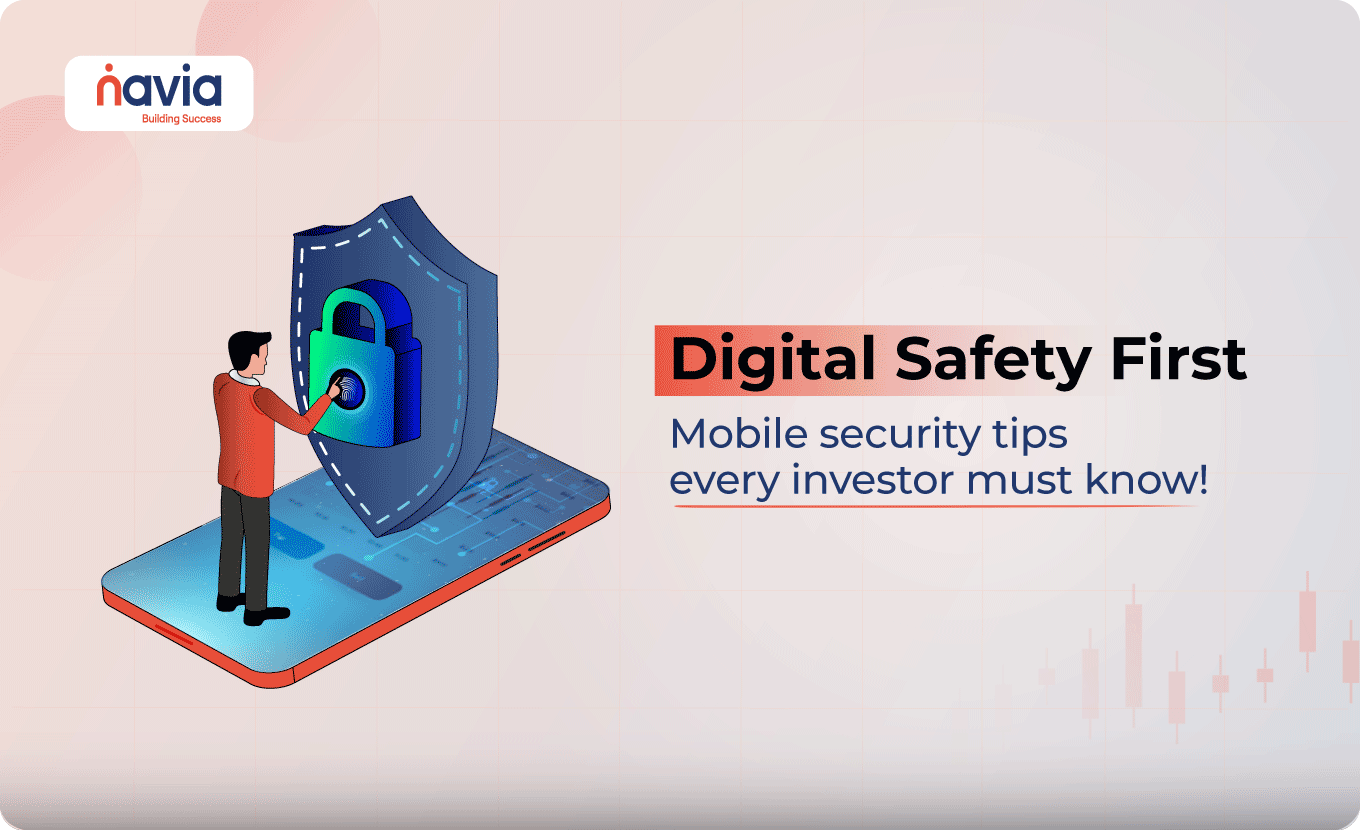
Digital Safety First: Mobile Security Tips Every Investor Must Know!
- 1. Use Trusted App Stores and Keeps Apps Updated
- Why This Matters?
- Reminder:
- 2. Download Trusted Antivirus and Security Tools
- Recommended Security Tools;
- 3. Avoid Public Wi-Fi for Financial Transactions
- Tips;
- 4. Encrypt Your Device
- How to Check?
- 5. Don't Root Your Phone
- Why Avoid It?
- Tip of the Quarter: Watch Out for Investment Scams
- How to Stay Safe?
- Reminder:
- What to Do If You Encounter a Scam?
- Bonus Tips for You!
- Final Thoughts
- Key Takeaways
In the digital world, we know that a mobile phone is more than just a communication device. It’s your banking portal, digital identity hub, and also an investment platform- all roles into one. For investors, especially those trading and managing portfolios online, their mobile phone acts as their financial command center.
That’s why securing your mobile isn’t an option; it’s essential. A small mistake of yours can expose your sensitive data, personal information and investment account to cybercriminals. So how can you keep your mobile and your investment safe?
Here are the 5 simple mobile security tips that every investor must follow to stay ahead of these fraudsters.
💡 Quick Answer
Five habits protect the phone your money lives on. Install apps only from official stores and keep auto-updates on. Add a trusted antivirus or bot removal tool. Never use public Wi-Fi for trading or banking — use mobile data or a VPN. Keep device encryption on, which a passcode or biometric unlock already gives you. And never root your phone, because it strips the protections everything else relies on. On top of that, treat every unsolicited message promising guaranteed returns as a scam, and never share your User ID, PIN or OTP with anyone.
1. Use Trusted App Stores & Keeps Apps Updated
Always download applications from their official stores like Google Play Store or Apple Store. Never install apps from random links that are shared through Telegram, WhatsApp, SMS, etc. Fraudsters create fake apps that look like originals. Once downloaded, these apps can steal your data or secretly track your activities.
Why This Matters?
Official stores scan apps for security threats and also turn on auto-updates to ensure the app receives the latest security patches and bug fixes.
Reminder:
Navia app is only available in Play Store and App Store, not on .apk links or unofficial websites. The same caution applies when you open a demat account — go through the broker’s own verified channels.
2. Download Trusted Antivirus & Security Tools
You must protect your mobile phone from malware and bot attacks with verified antivirus tools. Under the Digital India initiative, the Ministry of Electronics and Information Technology (MeitY) has launched free tools via Cyber Swachhta Kendra.
Recommended Security Tools;
These tools will help to identify and remove malware, bots, spyware and phishing attempts and save your mobile and sensitive data. So, use these Government-backed tools and add an extra layer of security for your device.
3. Avoid Public Wi-Fi for Financial Transactions
Public Wi-Fi may seem convenient, but it’s a common target for cybercriminals — avoid using it for financial transactions. So, avoid accessing your trading or banking apps on public networks, especially in cafes, malls or airports.
Tips;
- Use VPN (Virtual Private Network) to encrypt your traffic
- Turn off auto-connect for Wi-Fi to avoid joining in unsafe networks
Hackers can easily intercept your data through unsecured Wi-Fi, so it is better to use your mobile data connection for financial transactions.
4. Encrypt Your Device
The modern smartphones have encryption enabled by default. It will ensure that, if someone steals your phone, the data stored on it is unreadable without your passcode or biometric unlock.
How to Check?
- For Android: Go to Settings → Security → Encryption
- For iOS: If you use a passcode or Face ID/Touch ID, your device is already encrypted
Turning off device encryption weakens your defenses – so make sures it stays on.
5. Don’t Root Your Phone
Rooting might give you extra control, but it strips away vital security protections.
Why Avoid It?
- It exposes your phone to malware
- Disables core safety settings
- Allows rogue apps to operate with elevated privileges
For your safety Navia does not work on rooted devices to prevent fraud and data theft.

Tip of the Quarter: Watch Out for Investment Scams
Fraudsters often use evolving tactics to mislead investors, the most trending one is the use of fake messages on WhatsApp, Telegram or Emails. Here they were posing as an investment expert or even a representative of a real company. They give you so many offers like;
- Promising guaranteed returns
- Offer to trade on your behalf
- Use fake logos, name or letterheads to appear credible
We have documented one such campaign in detail: how fraudsters use Navia’s name to steal money. A related trap is dabba trading, where trades never reach a real exchange at all. You can check whether an intermediary is genuinely registered on the SEBI website before you part with any money.
How to Stay Safe?
- Never share your User ID, PIN or OTP with anyone
- Do not pay into personal or unverified bank accounts
- Ignore messages like “Promising 100% Returns” or “Risk-Free Trades”
Reminder:
You should remember that Navia will never ask for your OTP, or PIN over call, email or message.
What to Do If You Encounter a Scam?
If someone contacts you pretending to be from Navia, you must so the following actions to protect yourself.
- Do Not Respond
- Take a Screenshot of the Message or Call
- Report it Immediately to Navia’s 24/7 Customer Service Team
For cybersecurity concerns, reach out to [email protected].
Bonus Tips for You!
Here are the simple steps that will protect your phone and financial data.
- Enable biometric lock (fingerprint or face lock)
- Set strong passwords and change them regularly
- Enable 2FA (Two-Factor Authentication) wherever possible
- Keep Bluetooth off when not in use
- Disable app installations from Unknown Sources
Final Thoughts
You know that your mobile phone is the gateway to your finances, so you don’t leave your front door unlocked. From app downloads to public Wi-Fi and scam messages, every small action counts towards staying secure.
The team of Navia is committed to providing you with safe and seamless investing experiences but protecting your device starts with you. So, stay smart, say no to suspicious links, and keep your apps and phone secure today.
Key Takeaways
- Install investing and banking apps only from official app stores and keep auto-updates on — never from a link sent over Telegram, WhatsApp or SMS.
- Add a trusted security tool; the Cyber Swachhta Kendra tools and the eScan CERT-IN Bot Removal Tool are free and government-backed.
- Never open a trading or banking app on public Wi-Fi — use mobile data, a VPN, and turn off Wi-Fi auto-connect.
- Keep device encryption on and never root your phone; rooting disables core safety settings and lets rogue apps run with elevated privileges.
- Treat guaranteed-return offers as scams, never share your User ID, PIN or OTP, and report impersonation attempts with a screenshot rather than replying.
Did you find this article helpful?
Your feedback helps us write better content.

DISCLAIMER: Investments in securities market are subject to market risks, read all the related documents carefully before investing. The securities quoted are exemplary and are not recommendatory. Full disclaimer: https://bit.ly/naviadisclaimer