

How Navia x Finspring Helps You Access Corporate FDs?
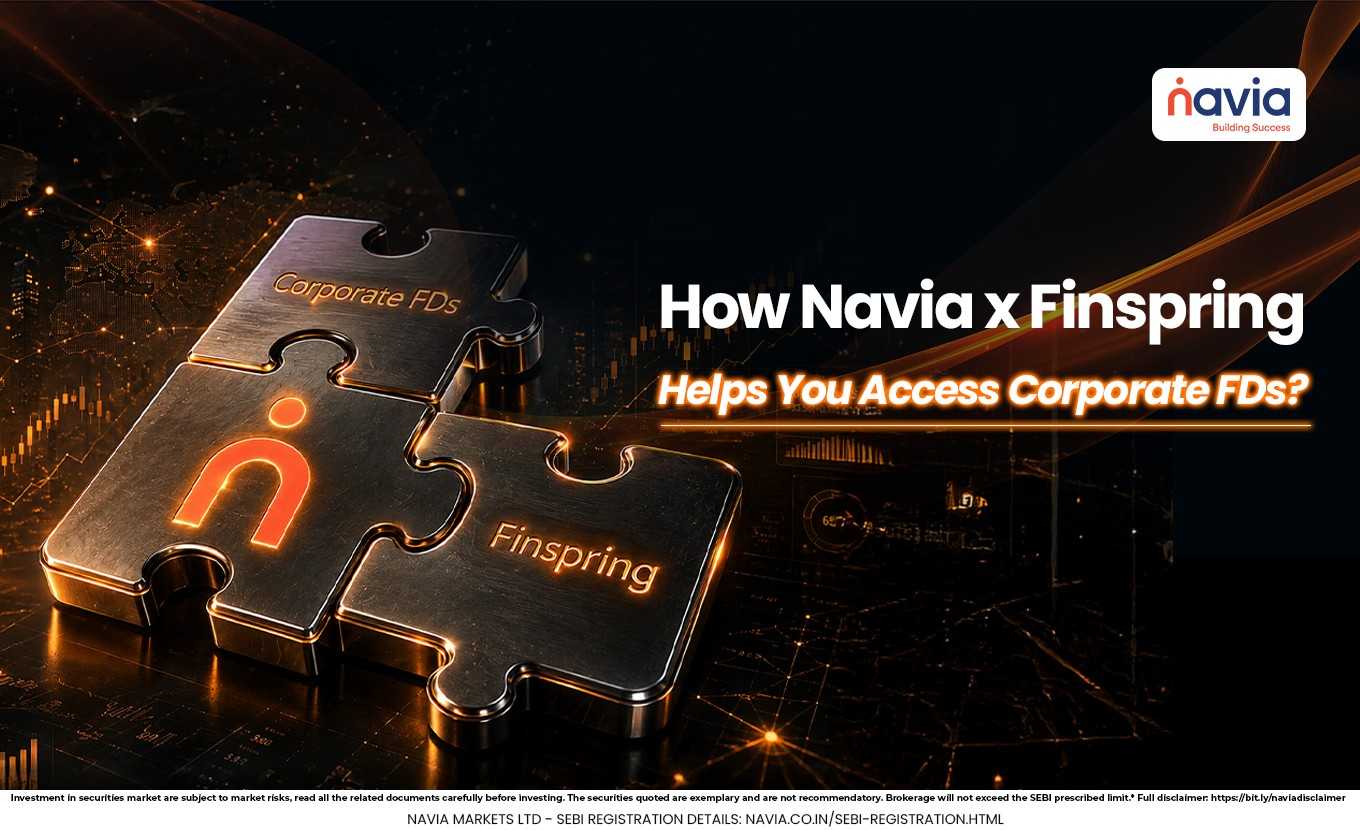
Corporate Fixed Deposits (FDs) are a simple, all-digital way to invest in fixed-income options online, offering various interest rates through a structured electronic process. Through the Navia All-in-One App, users can now invest digitally in corporate fixed deposits from issuers such as Shriram Finance and Mahindra Finance. With CRISIL ratings such as AAA and AA+, which indicate credit rating assessment and interest rates offered by issuers with different tenure options.
Finspring, Navia’s key partner in this space, is a fintech platform specializing in corporate fixed deposits, connecting investors to a platform offering multiple issuers. This collaboration supports the FD section of the app with real-time rates, comparison features, digital application process, and digital onboarding process- providing access to corporate FDs for different types of investors.
This guide breaks the entire process into step-by-step, so you can understand how to start investing.
What is a Corporate FD?
A Corporate FD is a fixed deposit offered by a company or financial institution rather than a bank. It typically comes with a fixed tenure and a pre-declared interest rate, subject to issuer terms disclosed at the time of investment.
In this case, Navia has partnered with Finspring to offer Corporate FDs online. The platform allows users to compare available options, review interest rates, and proceed with investment through the app.
How To Start?
To begin, open the Navia All-in-One App and log in to your account. After logging in, go to the Tools section.
There you will find the Corporate FDs option among the available tools. Tap on it, and you will be taken to the Corporate FDs page.
Choosing an FD
At the top of the page, you will see filters that help narrow down the choices. You can filter by service provider, such as Mahindra or Shriram, and by tenure.
Once the filters are applied, the available FD options will appear below. You can compare the listed interest rates and select an option based on your requirements. After selecting the FD, tap Invest Now to move to the application form.
Filling the FD Form
The FD form will ask for basic investment details. You need to enter the investment amount, choose the tenure, and select the interest payout option.
You will also need to confirm a few required details:
🔹 Whether you are a woman investor.
🔹 Whether you are a tax resident of India.
🔹 Whether you want auto renewal on maturity.
One important note is that premature withdrawal is allowed only after 3 months. This is a condition to note before proceeding.

Review Before Payment
After entering the details, you will see an investment summary. This includes the monthly interest rate and the estimated interest based on current terms.
Once you review the summary and are satisfied, click Start FD to continue with KYC and payment steps.
KYC Process
The KYC process is required before the FD can be completed. PAN card and date of birth details are auto fetched, and you will need to update your marital status and address details.
You will then confirm whether you are an existing client of the FD provider. After that, enter your Aadhaar number and proceed with Aadhaar verification using the OTP sent to the mobile number linked with Aadhaar.
If the verification is successful, you will see a green tick confirming Aadhaar validation. Next, you will be asked to update occupational details such as salaried, self-employed, retired, housewife, or student.
You will also need to select your annual income range, source of funds, and whether you are a politically exposed person.
Nominee Details
The next step is nominee selection. If you want to nominate someone, select yes and enter the nominee’s name, relationship, and date of birth.
There is also an option to choose whether the nominee’s name should be printed on the FD certificate. If you do not want to add a nominee, you can select no and move ahead.
Bank Account Setup
If this is your first FD investment through Navia, you may need to add a new bank account. Select the account type, enter the account number, and provide the IFSC code.
After clicking the search icon, the system will show the branch details linked to that IFSC. Select the correct branch and continue to the next step.
Final Payment Step
Once all the details are reviewed, you can check the order summary and click Pay Now. This completes the final step of the investment process.
Conclusion
Investing in Corporate FDs through Navia All-in-One App is structured for online access. From selecting the FD to completing KYC and payment, the process is structured so that users can move step by step.
For first-time investors, the most important points to remember are the tenure, interest payout, nominee details, and the withdrawal rule after 3 months. A careful review before payment can help ensure a more informed process.
Do You Find This Interesting?
We’d Love to Hear from you-

Frequently Asked Questions
What is a Corporate FD?
A Corporate FD is a fixed deposit offered by a company or financial institution for a fixed tenure and interest rate.
How do I find Corporate FDs in Navia?
Open the Navia All-in-One App, go to the Tools section, and select Corporate FDs.
Is KYC required?
Yes. You need to complete KYC, including Aadhaar verification and other personal details.
Can I add a nominee?
Yes. You can choose to add a nominee or skip it.
Is premature withdrawal allowed?
Yes, but only after 3 months, according to the details provided.
DISCLAIMER: Investment in securities market are subject to market risks, read all the related documents carefully before investing. The securities quoted are exemplary and are not recommendatory. Full disclaimer: https://bit.ly/naviadisclaimer.